Common Issues on Phrase.Trade and How to Resolve Them

Welcome to Phrase.Trade! We know that sometimes you might encounter some challenges while using our app. Here, we've put together a quick guide to address some common issues and provide solutions to help you get back on track.
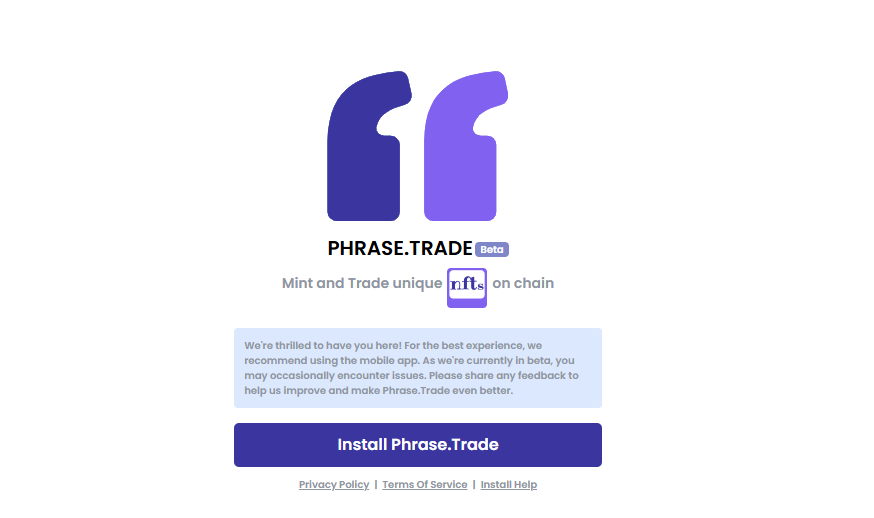
1. Unable to Install the App
Recommended Solution:
We highly recommend using a mobile device (Android or iOS) for the best experience with our app. However, if you prefer using a desktop, don’t worry—our app is fully supported on desktop browsers as well! For detailed steps and troubleshooting tips for installation, see this article.
2. White Screen Issue
What’s Happening?
A white screen may appear if we’ve recently pushed an update to our WebApp. This can temporarily prevent the app from loading properly.
Recommended Solution:
Don’t panic! Simply wait for about 10 seconds, then refresh the page. If the issue persists, try refreshing the page a few more times—usually, it resolves within 3 to 4 attempts.
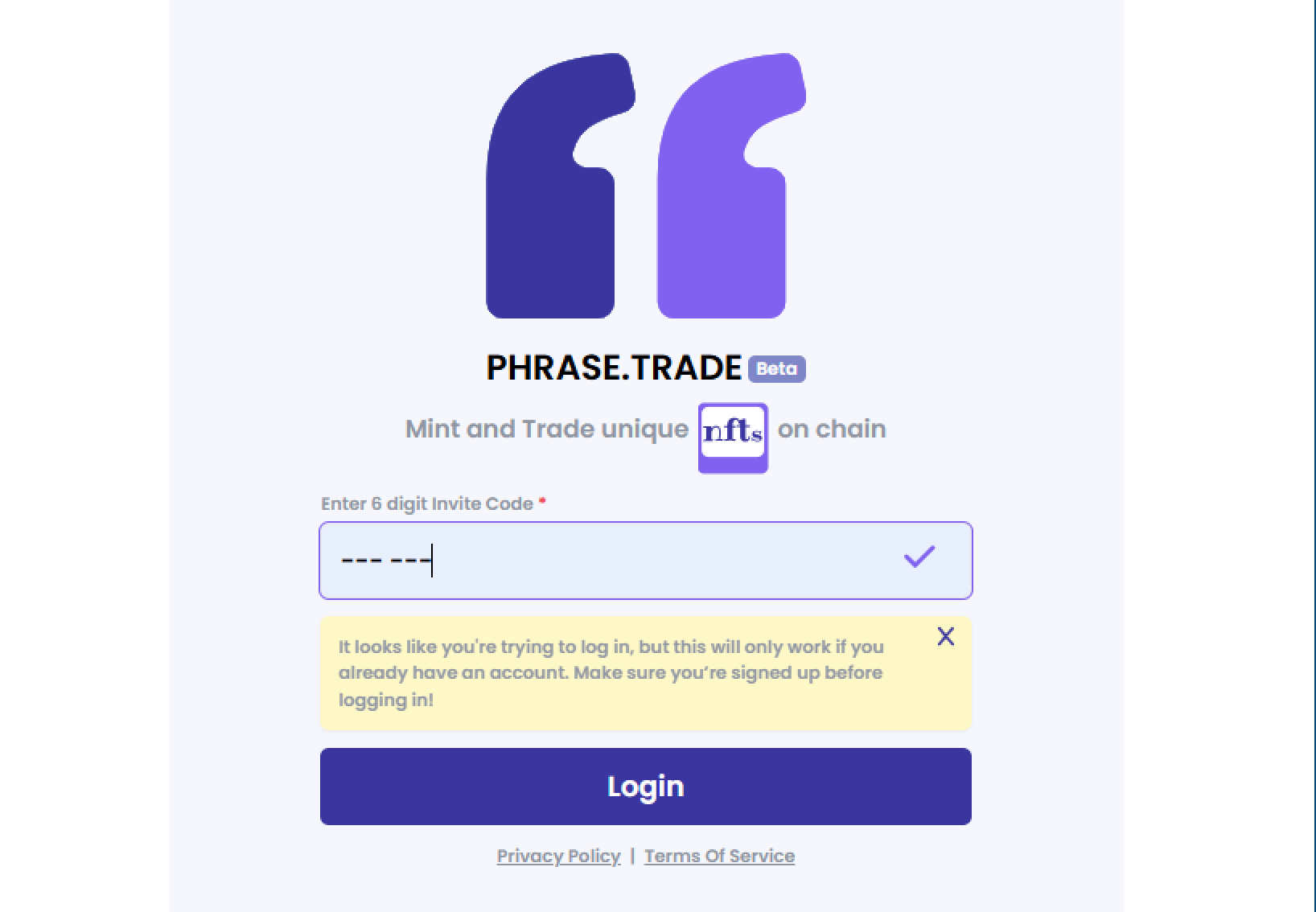
3. Invite Code Required After Clearing Cache
What’s Happening?
If you’ve cleared your cache, you’ll be prompted to enter an invite code again before logging in.
Recommended Solution:
Use --- --- as the invite code, and it will allow you to log in. Remember, you can only log in with an account that was originally created using an invite code. If the account wasn’t created using an invite code, the login will fail.
4. Switching to a Different Account
What’s Happening?
If you’re trying to log in to a different account but aren’t prompted to enter a new invite code, you might need to reset your session.
Recommended Solution:
Clear your browser cache and then add the new invite code to create a new account. If you want to switch back to an existing account, use --- --- as the invite code to log back in.
We hope this guide helps you resolve any issues you encounter on Phrase.Trade! If you continue to have trouble, don’t hesitate to reach out to our support team. Happy trading!
About the author
Explore Phrase.Trade Protocol to mint unique, customizable text NFTs. Create, collect, and trade phrases securely on the blockchain. Join the community today!
Comments
Join the discussionNo comments yet. Be the first to comment.